
Best Freelance Payment Methods and Setup for Bookkeepers
Learn how to set up professional payment methods as a freelance bookkeeper. From Stripe to bank transfer, here's how to get paid quickly and securely.
Justwise Accounting
2 min read
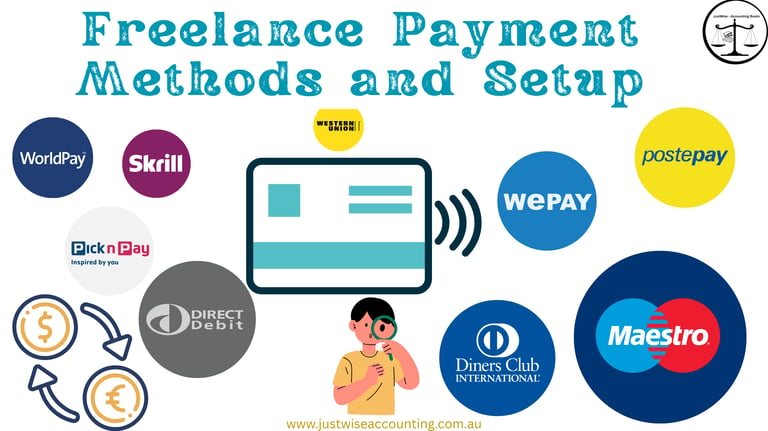
Freelance Payment Methods and Setup – A Guide for Bookkeepers
If you're a freelance bookkeeper, getting paid efficiently and reliably is one of the most important parts of running your business. Unlike larger firms, freelancers must set up their own systems to collect payments, manage invoices, and stay compliant — without overwhelming admin work.
In this guide, we’ll walk through the best freelance payment methods, how to set them up professionally, and how to protect your time and income.
💡 Why Freelance Payment Systems Matter
As a freelance bookkeeper or accounting professional, you are your brand. Payment issues can affect your client experience, cash flow, and credibility.
A strong payment setup helps you:
Look professional and prepared
Reduce late payments and back-and-forth
Stay compliant with GST and invoicing laws
Save admin time on reconciliations and follow-ups
🛠️ Payment Method Options for Freelancers
Below are the most effective payment methods for freelancers offering bookkeeping or accounting services in Australia:
🔹 1. Direct Bank Transfer (EFT)
✅ Reliable, low-fee, trusted
🚫 Slower processing if clients delay manual transfers
Include full invoice reference and ABN
Works best for ongoing clients
🔹 2. Stripe
Easy to use, card-friendly, instant setup
Accepts credit cards, Apple Pay, Google Pay
Supports recurring billing
Good for digital quotes and remote clients
🔹 3. Square
Simple setup, user-friendly
Ideal for freelancers who also invoice in-person or use mobile devices
Invoices and payment links in one place
🔹 4. PayPal Business
Familiar to many clients
Supports international clients and multi-currency
🚫 Higher fees
Not ideal for larger invoice amounts
🔹 5. Xero + Stripe/Square Integration
Combine invoicing and payment in one place
✅ Clients can view invoice and pay directly
✅ Syncs into your bookkeeping system
This adds polish and saves reconciling time
📦 How to Set Up a Freelance Payment Workflow
Whether you're just starting out or refining your process, here’s a smart setup:
Quote or Proposal Sent (via email, Canva, or proposal software)
Client Approves (email reply, digital button, or form)
Invoice Sent with Payment Link (Stripe, Square, or via Xero)
Payment Collected
Receipt and Onboarding Triggered (manually or with automation tools)
This makes your process clear, client-friendly, and easy to repeat.
🔒 Protecting Your Freelance Income
Always include terms: due dates, late fees, cancellation policies
Require partial or full prepayment for project-based services
Set reminders: automated follow-ups for overdue payments
Use branded templates: makes you look professional and trustworthy
Final Advice
Don’t just ask to “get paid” — create a frictionless experience that makes it easy for clients to pay and trust you. Whether you use Stripe, Square, EFT, or Xero integrations, make sure your setup reflects your professionalism as a freelance bookkeeper.
When your system is smooth, your payments follow suit.
Justwise Accounting supports freelancers and businesses in streamlining payments, invoices, and systems — without the complexity. From your first client to your fiftieth, we’re here to help.


Stay in Touch
© 2025 JustWise Accounting. All rights reserved. ABN 85 581 353 385
⚠️ We respect your privacy. Unsubscribe anytime. (under subscribe button)










Serving Australia-wide
Justwise acknowledge the Traditional Owners of the lands where we operate and pay respect to Elders past and present.